

Getting started
Your first town hall, end to end
Seven steps, roughly ten minutes. You bring the video call you already use; SpeakUp wraps the meeting around it. Nothing to install, for you or for the people who attend.
- 1
Create an account
You need an email address and a password, or a Google account. Your display name is what other organizers see; participants asking anonymously are shown a per-event label instead.
- 2
Create an organization
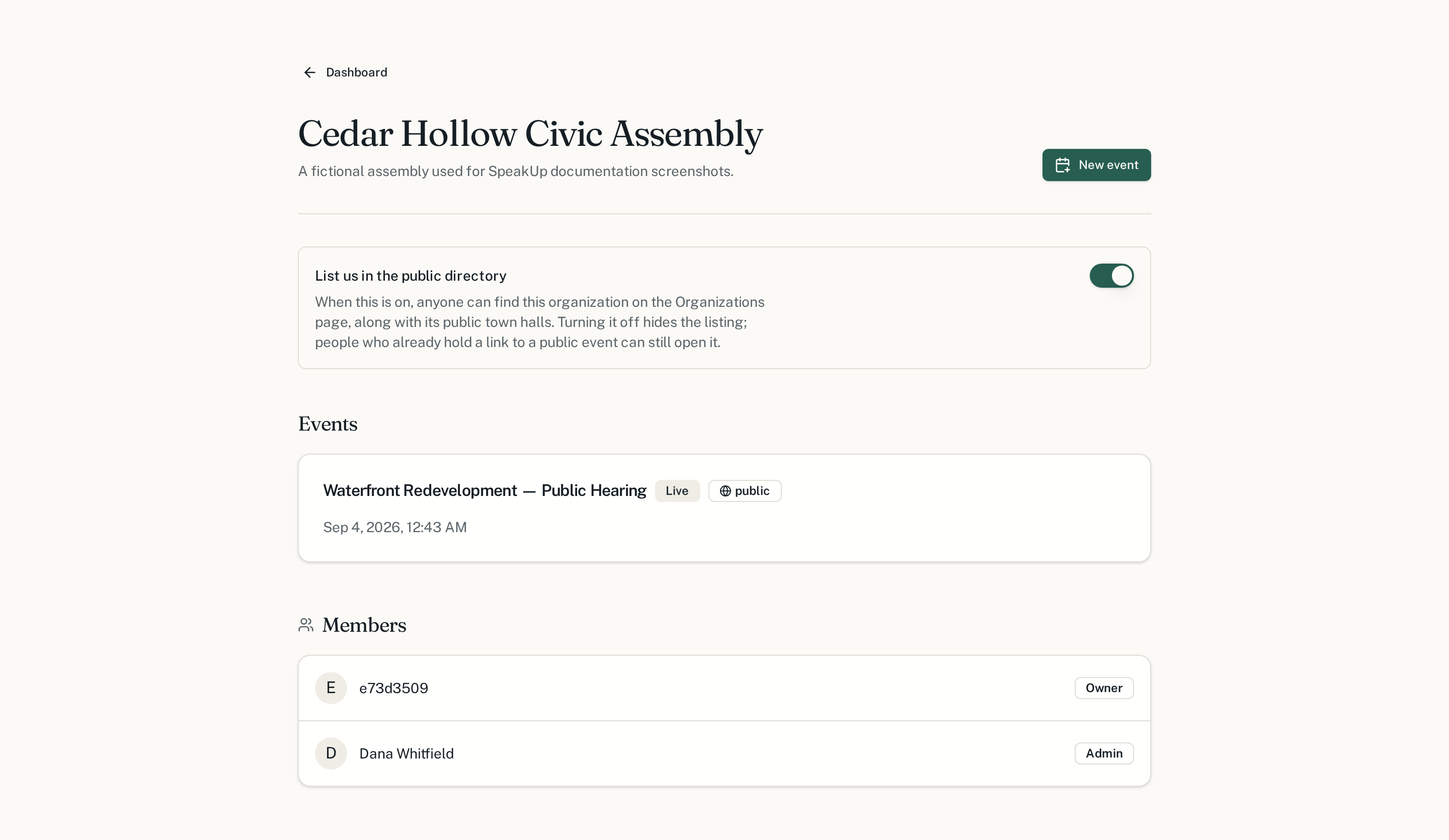
An organization is the body that holds the meetings — a council, an assembly, a department. Everything else lives inside it, and its members are the people allowed to run events.
- 3
Schedule a town hall
Give it a title, a description of what will be decided, and a start and end time. Leave it as a draft until you are ready; nobody can find it before you publish.
- 4
Attach your video call
Paste the Zoom, Teams, Meet, Jitsi, YouTube Live or stream link you already use. The call then sits at the centre of the town hall page, with questions and chat in a column beside it and the moderator's tools opening on top of it.
- 5
Decide who can see it
A public town hall is open to anyone with the link. A private one is limited to the roster you invite. You can change this before the meeting starts.
- 6
Invite moderators and speakers
Moderators build the queue, speakers are listed on the page so the room knows who is answering. Everyone else joins as a participant.
- 7
Go live
Set the status to live when the meeting opens. Questions can then be submitted, and the control room starts filling up.
Creating your account
Creating an account takes a display name, an email address and a password of at least eight characters — or a Google account, if your body already uses one. The display name is shown to organizers and to anyone you invite; it is never attached to a question you choose to ask anonymously. You can change either later from your account settings.
Your organization
Next
Pick the guide that matches your role in the meeting.