

Moderate the room
The control room is where questions become an agenda. It is open only to moderators, and it runs alongside the meeting.
Sorting is not silencing
Participants never see a question marked rejected. A question you set aside stays in the record of the meeting; it simply does not go to the floor.
Order in public
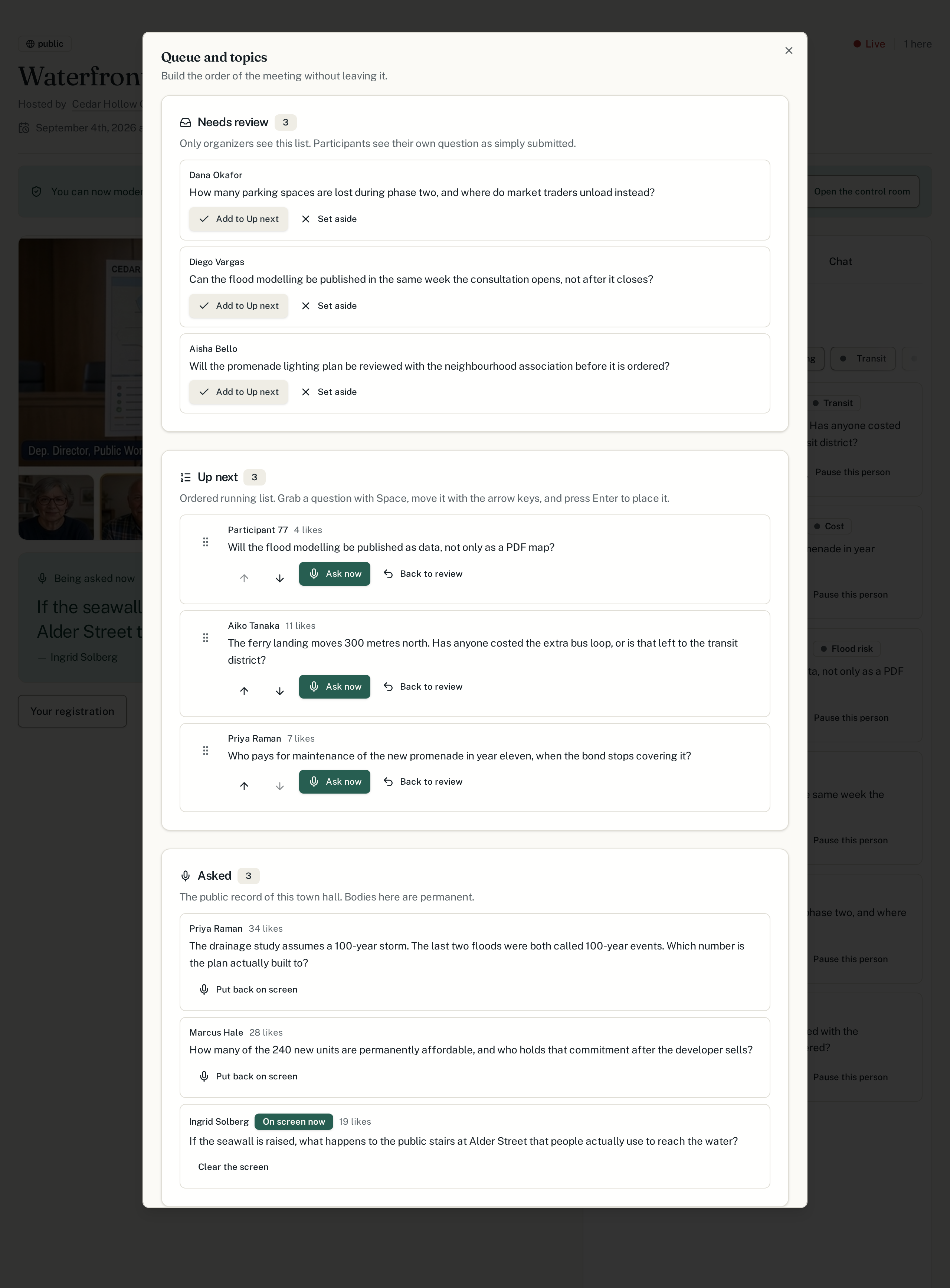
The queue the room sees is the queue you are working from. If a question is coming up, the person who asked it can tell.
One theme at a time
Topics let the meeting finish an argument before starting the next one. Most of the value of moderation is in the grouping, not the filtering.
The queue, over the call
Open it from the town hall page with the Queue button under the video. It opens as a panel on top of the meeting: the review list and the running order in one place, with the call still playing behind it. Closing the panel puts you straight back on the video — you never left it.
Putting a question on the floor
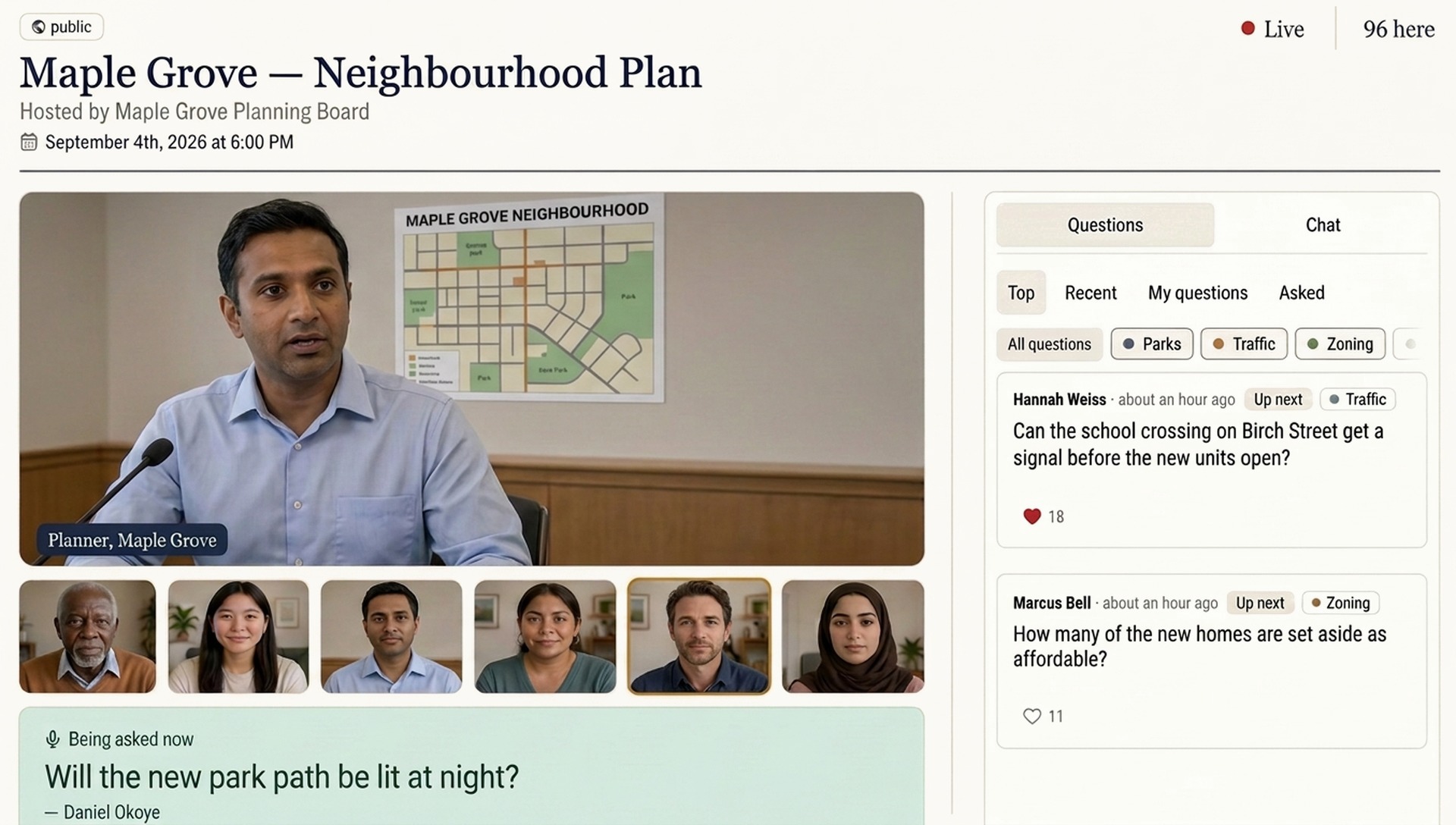
When a question is asked aloud, mark it as being asked. The whole room's page updates: the question appears directly under the video on everyone's screen, and it enters the permanent record of the meeting. The person who asked it can still remove their name afterwards.
Next
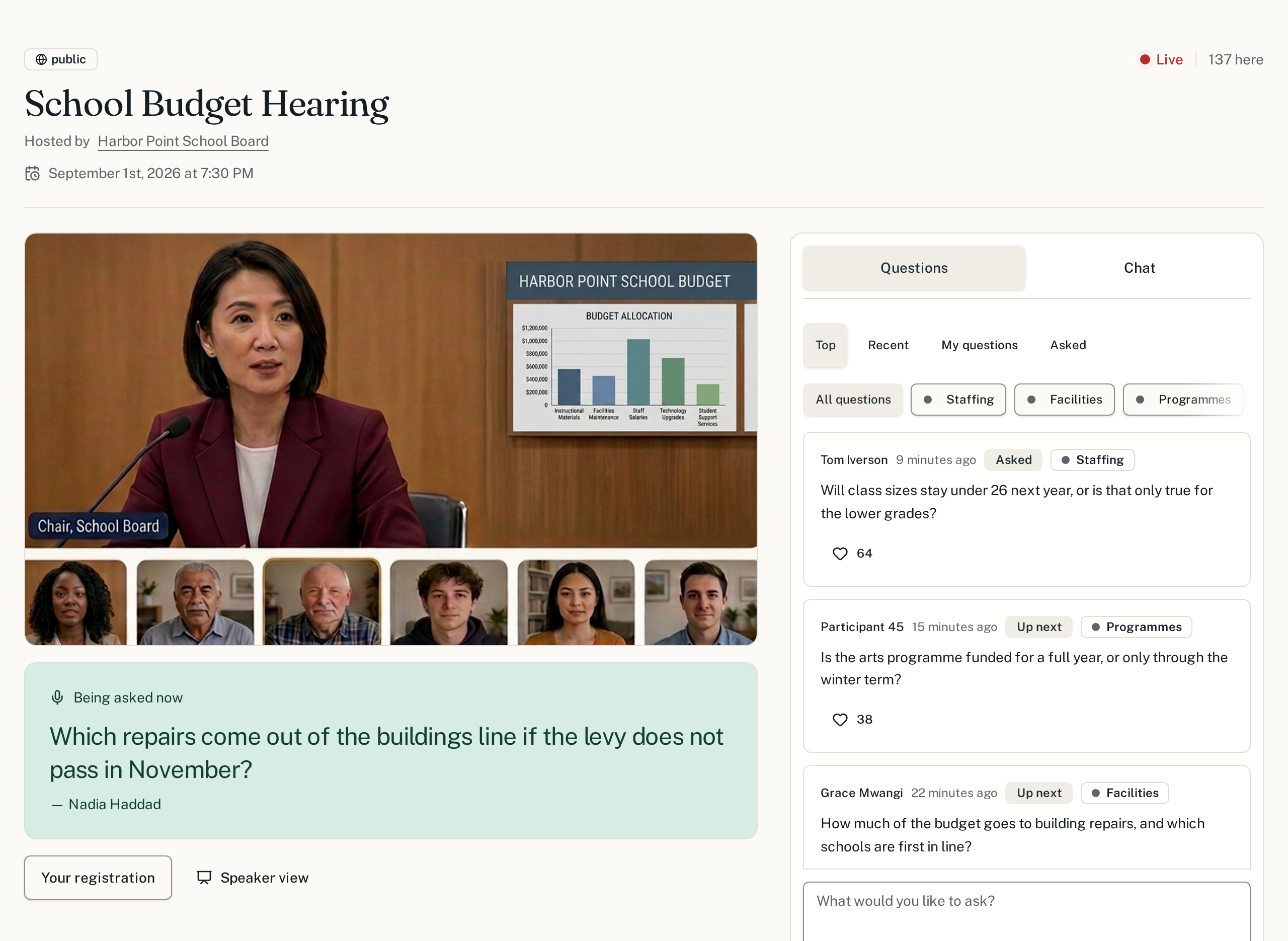
It helps to know what the other side of the screen looks like.